
Design.com Review: Testing the Logo Maker, AI Logo Generator & Full Branding Suite


 5 min. read
  Published on
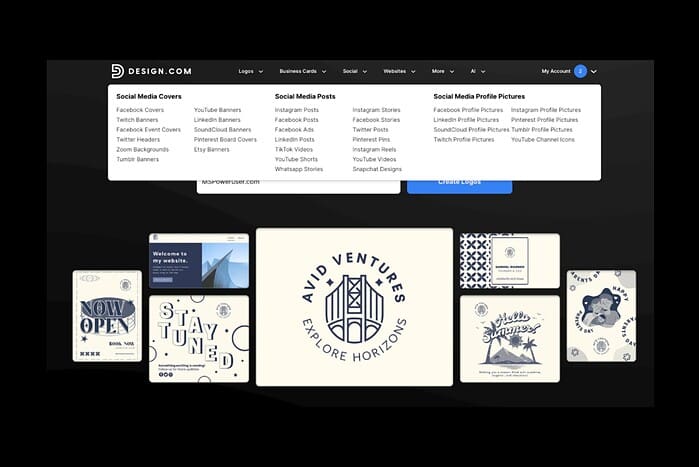
Building a consistent brand identity used to require hiring a designer, working through multiple iterations, and spending hundreds — sometimes thousands — of dollars. Design.com challenges that old model with a platform built around speed, automation, and accessible branding tools powered by AI.
In this review, we take a deep look at Design.com’s Logo Maker, AI Logo Generator, and the broader branding suite to see if it truly delivers professional-grade results for businesses, creators, and side-project builders who lack in-house design resources.
What is Design.com?
Design.com is an all-in-one branding platform that combines AI generation with template-driven customization. Instead of being a simple logo maker, it includes multiple tools under one roof, such as:
- AI Logo Generator
- Traditional Logo Maker
- Brand Kits (colors, fonts, styles)
- Business card and marketing templates
- Social media graphics
- Website builder
- Digital business card tool
- Background remover & image editing utilities
The idea is simple: start with an AI-generated logo, refine it, and instantly apply it across everything your brand needs.
AI Logo Generator — Fast Results With Solid Quality
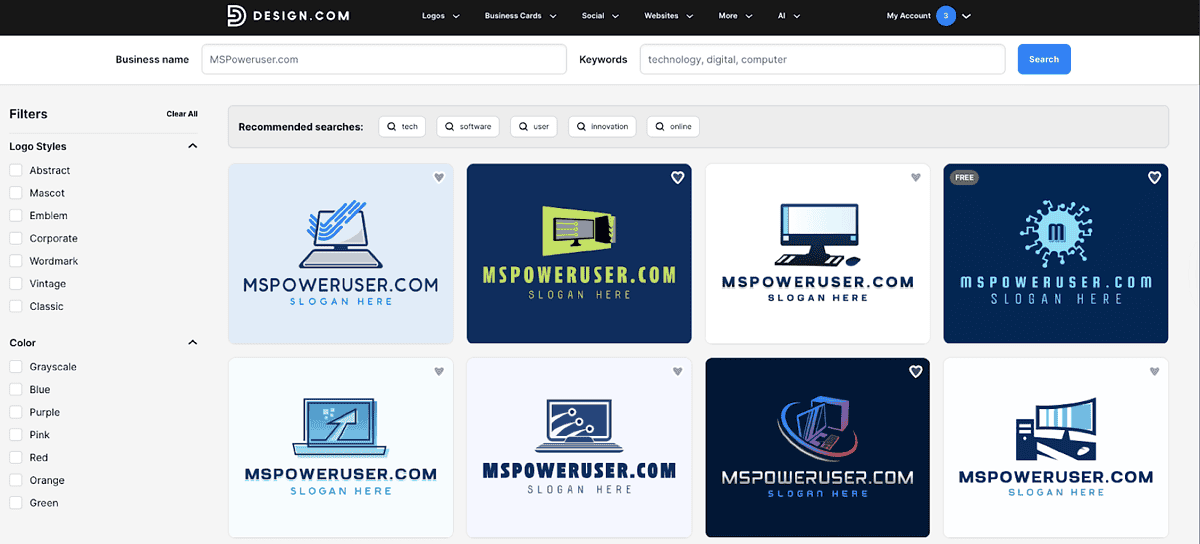
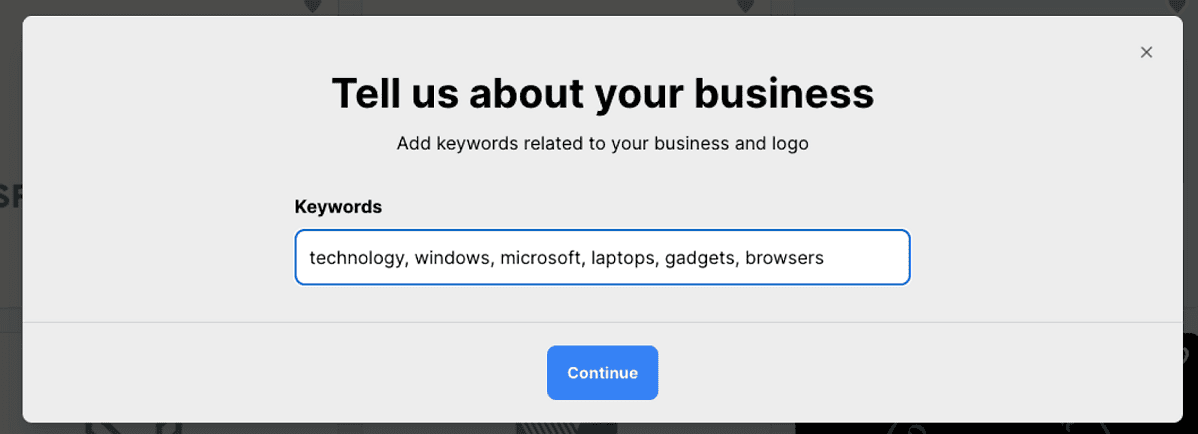
The AI Logo Generator is the first step in the workflow. After entering a business name, selecting an industry, and giving a few basic preferences, the tool generates a large number of logo concepts almost immediately.
The quantity itself doesn’t matter as much as the usefulness of the results, and in this case, the overall quality is decent. Most concepts look clean enough to serve as a starting point for a small business, creator, or project brand. Some designs stand out more than others, but that’s expected from automated generation.
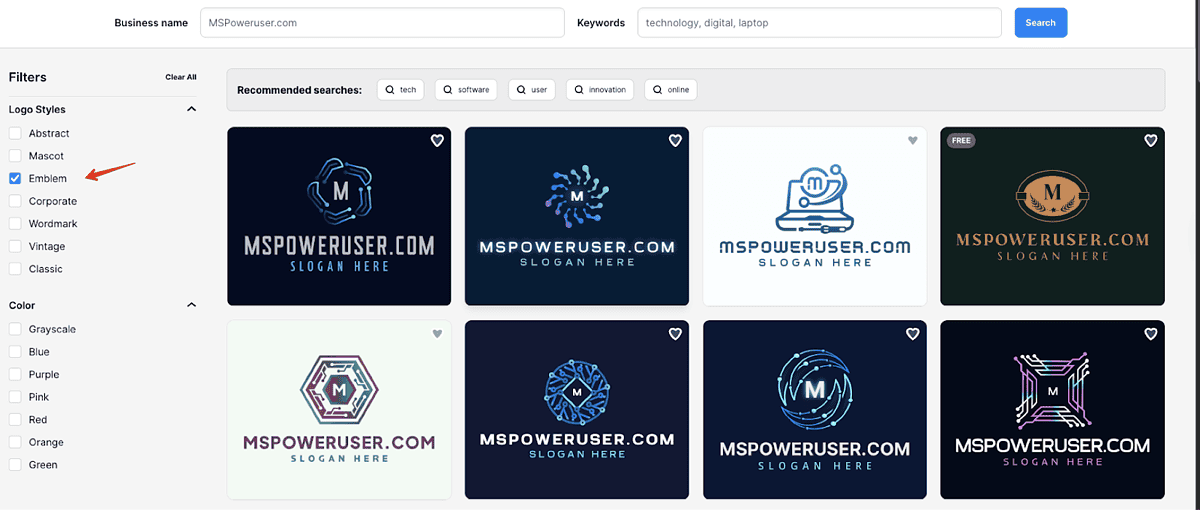
To narrow things down, Design.com includes filters for logo style (abstract, emblem, wordmark, mascot, corporate, vintage, classic). This helps quickly eliminate directions you don’t want to explore. You can also filter by color palette, which is helpful if you already have a preferred tone or theme.
Overall, the generator produces a wide range of workable layouts. It won’t replace a designer for someone wanting a highly unique identity, but for users who need something quickly and functionally, the tool performs reliably.
Logo Maker — Straightforward Customization and Basic Editing
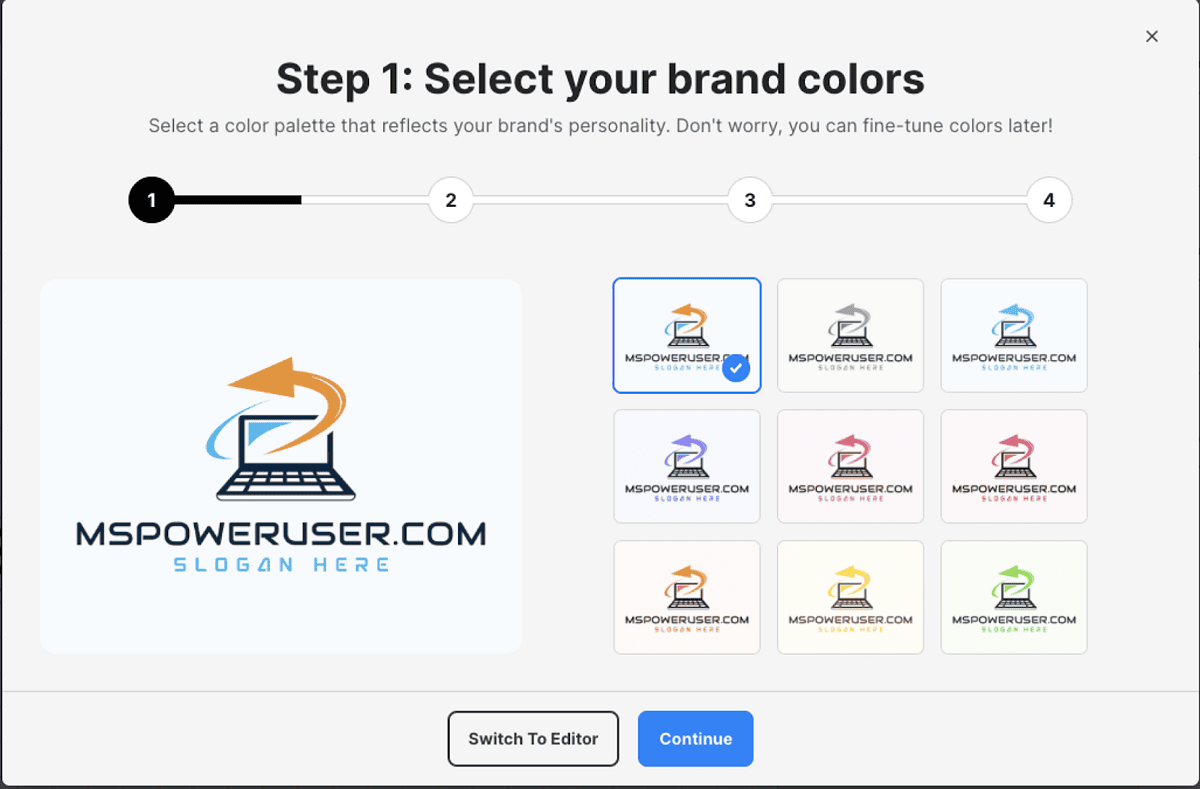
Once you pick a concept, Design.com moves you into its Logo Maker. The customization process is simple and structured step-by-step. You can modify:
- Brand colors
- Logo text
- Optional slogan
- Color scheme variations
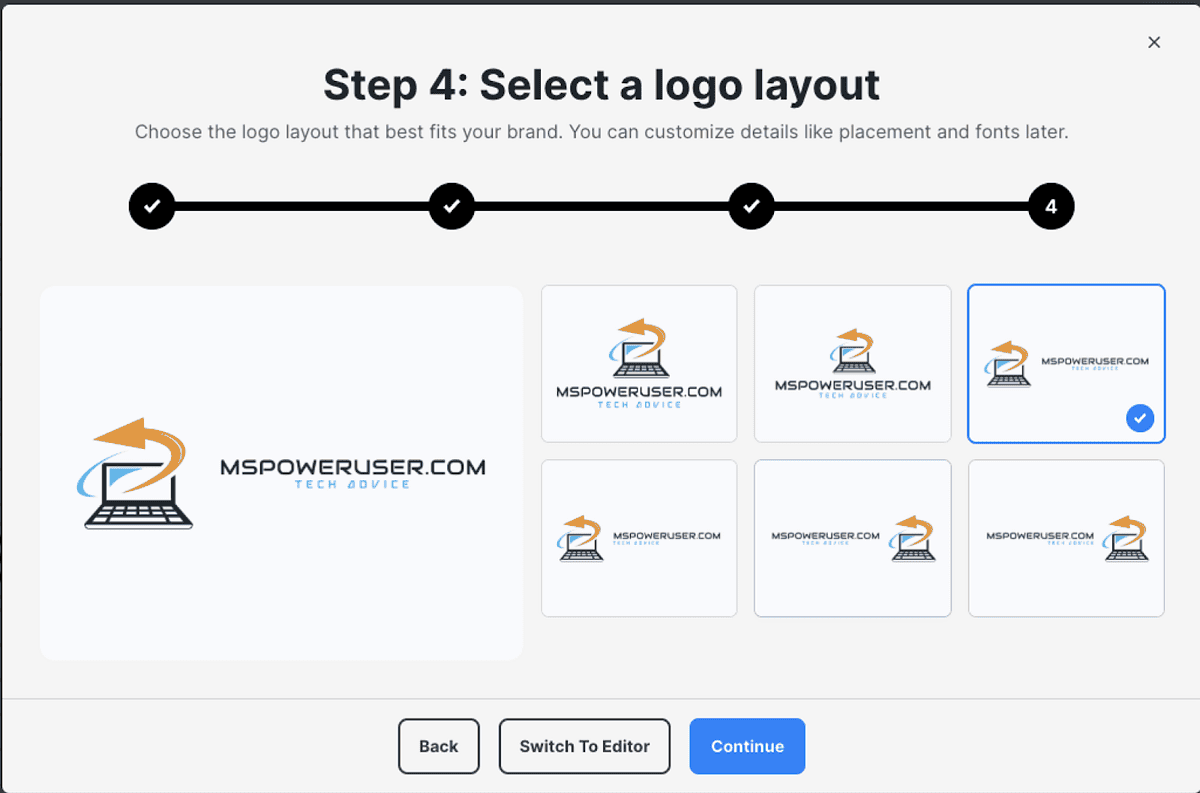
- Layout (icon above, beside, or integrated with text)
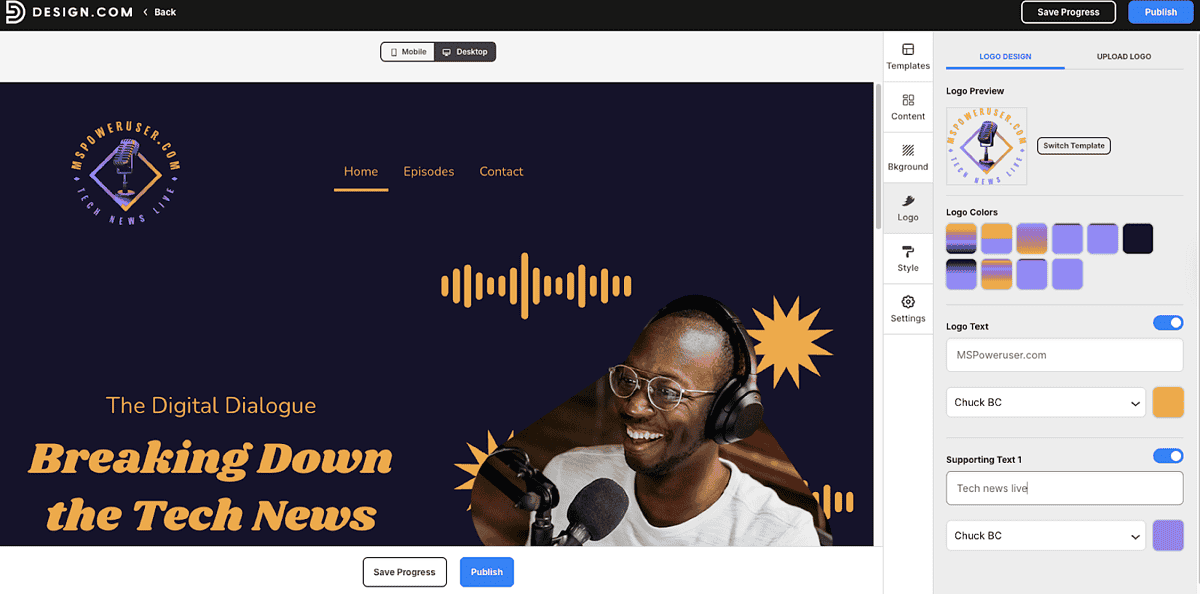
These adjustments are easy to apply and give enough control for basic refinement. For greater flexibility, the Advanced Editor enables further customization, allowing you to resize elements, adjust spacing, swap icons, or change fonts.
The editing environment isn’t meant to compete with full design suites, but it offers enough to fix proportions, test variations, and make the logo feel more tailored.
Once created, a logo can be downloaded in several formats, including .jpg , .png, vector (eps, pdg, svg), and animated, if applicable (.gid and .mp4). All these file types are available for the free logo’s as well, without a distinction from the premium designs.
Branding Suite — Templates and Assets Built Around Your Logo
After finalizing a logo, Design.com extends it across a wider set of assets. Your colors and typography carry over into templates for:
- Business cards
- Instagram and Facebook posts
- Email signatures
- Letterheads
- Websites
Users also get access to 579,000+ templates and 50+ design tools. These templates range from simple social posts and marketing layouts to more structured materials like presentations and posters.
The advantage here is consistency. Once your logo is set, most of these templates automatically adopt your brand style, reducing the amount of manual formatting required. For someone who wants quick, visually aligned materials without starting from scratch each time, the system is convenient.
There’s also a free built-in website option, a free link in bio, and free digital business cards on all the plans. Those who wish to continue without the option for a premium plan will enjoy all of these features, but with limited functionalities and the Design.com branding in specific locations (websites for example, have the branding located in the footer).
These aren’t full replacements for dedicated website builders, but they can cover basic needs for a straightforward online presence.
Pricing
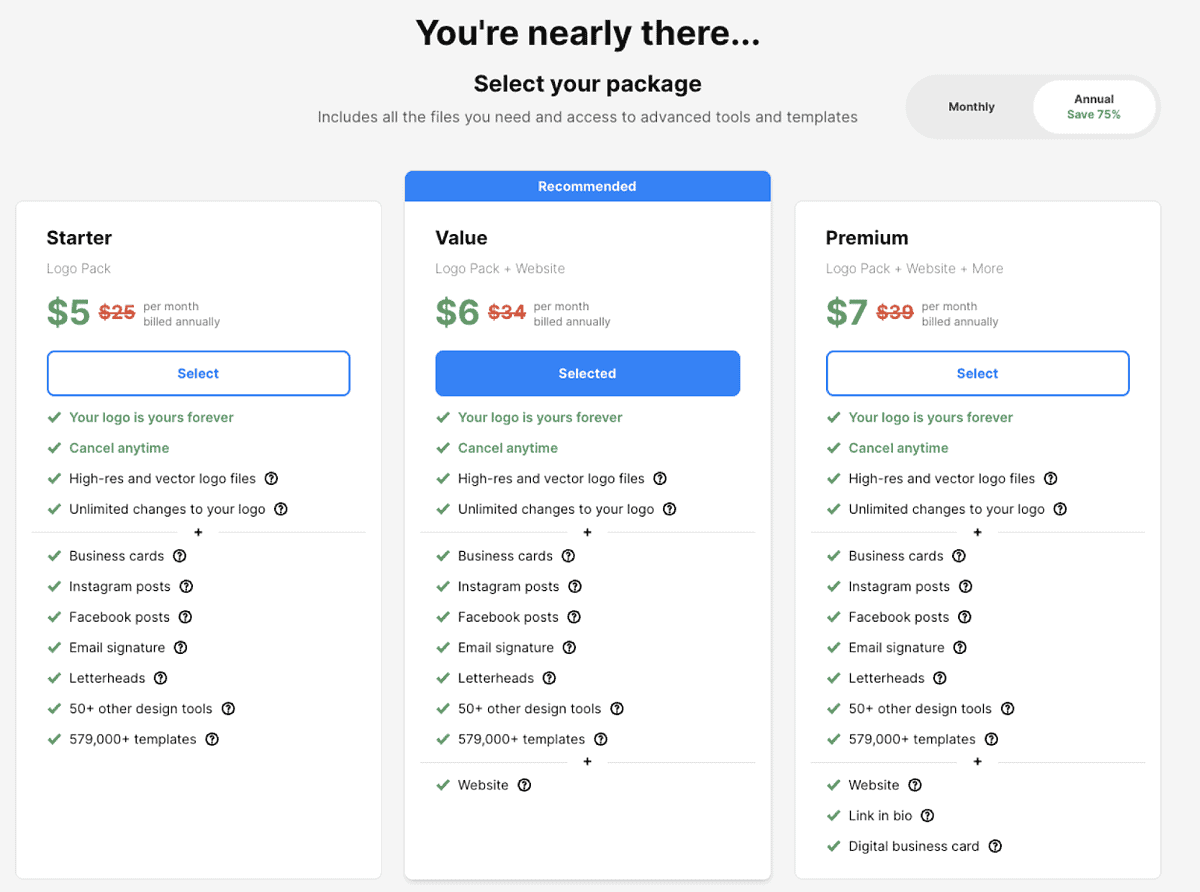
Design.com uses subscription-based pricing with three annual plans:
- Free tier: this applies to logos marked as free or if you directly go to the free logo’s page. The designs created on this plan are permanent, and there’s no limitation on the download format, as mentioned above (high-res and vector files included).
- Starter: $5/month billed annually: Includes your logo files (high-res + vector), unlimited edits, business cards, social templates, letterheads, email signatures, and access to all templates.
- Value: $6/ month: Adds the website builder to everything in the Starter plan.
- Premium: $7/month: Adds link-in-bio pages and a digital business card.
All plans allow cancellation at any time, and your logo remains yours permanently. There is no one-time purchase option.
The wrap:
Design.com provides a practical set of tools for users who need a functional logo and a consistent set of branding materials without investing in professional design software or hiring a designer. The AI Logo Generator produces solid starting concepts, the Logo Maker offers enough editing flexibility for basic adjustments, and the branding suite ties everything together with ready-made templates.
It’s not a substitute for bespoke design work, but for small businesses, creators, or new projects that need a quick and coherent identity, it delivers what it promises with minimal friction.


Read our disclosure page to find out how can you help MSPoweruser sustain the editorial team Read more



Improve this guide




User forum
0 messages