
Microsoft releases Patch Tuesday updates for Windows 11 21H2 and 22H2


 1 min. read
  Updated on

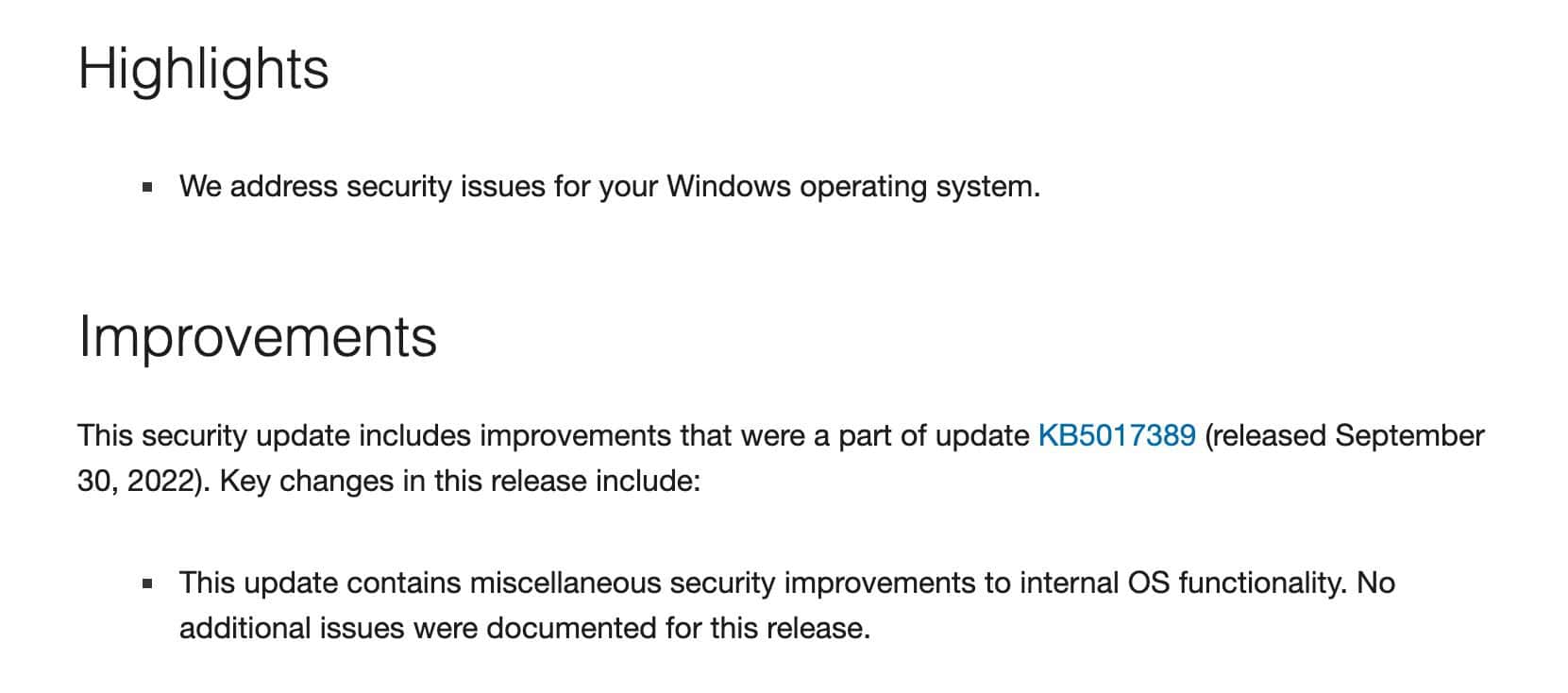
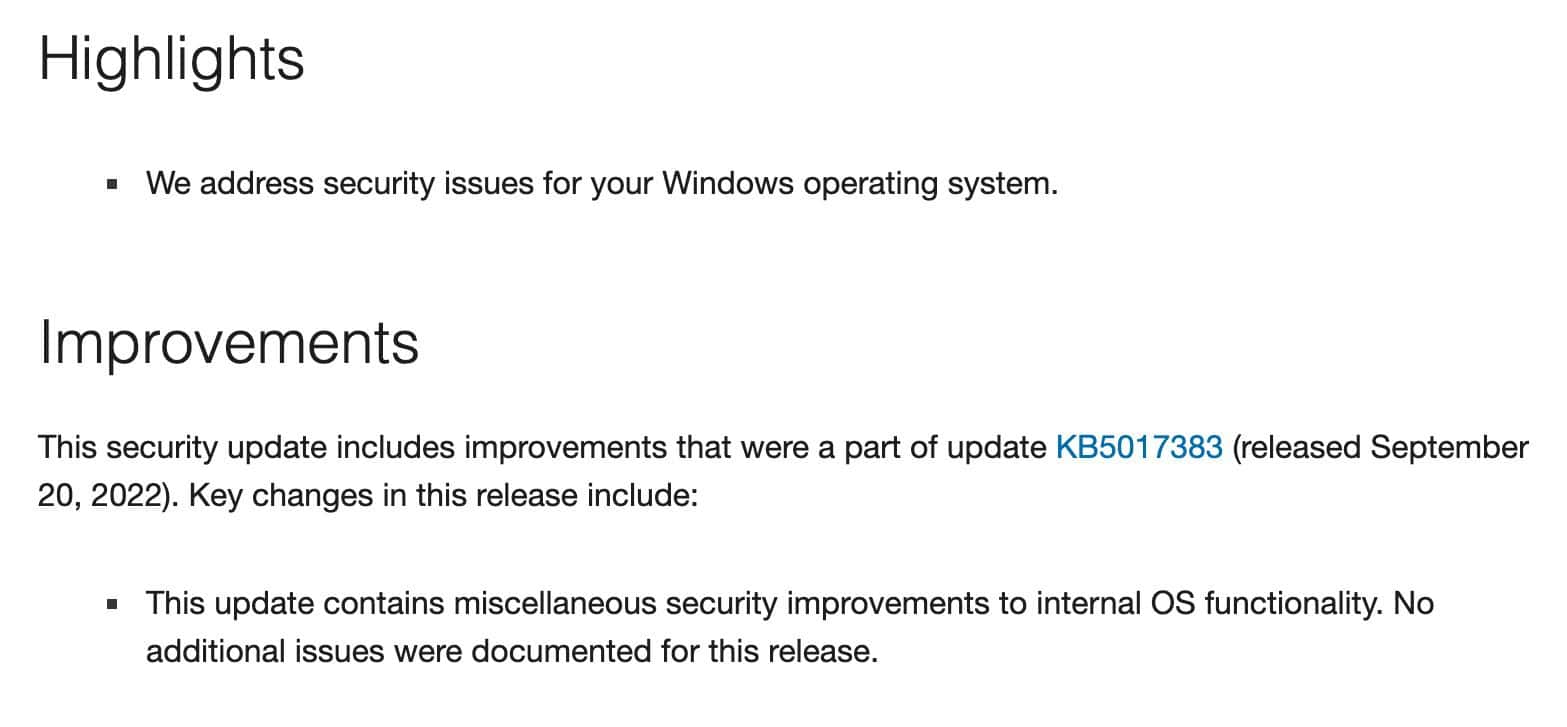
Microsoft has released Patch Tuesday updates for Windows 11 21H2 and 22H2, adding no new features or significant changes. The update for Windows 11 running 22H2 is available through KB5018427, while KB5018418 is for Windows 11 21H2. Besides improvements related to security and internal OS functionality, the latest cumulative updates take the 22H2, and 21H2 OS Builds to 22621.674 and 22000.1098, respectively.
Windows 11 22H2
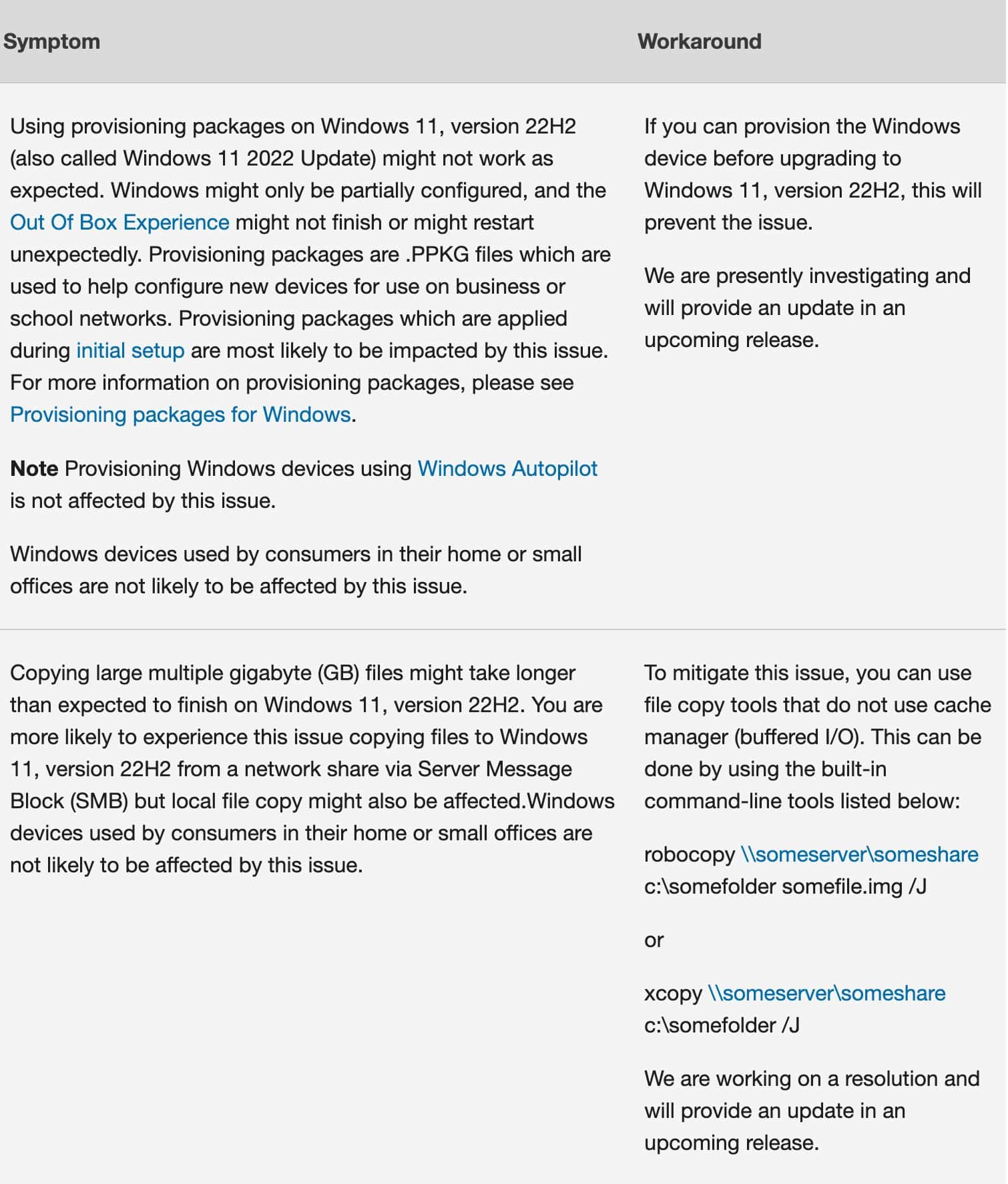
Patch Tuesday also comes with some known issues, but they are not major ones. Microsoft also posted workarounds so that you can fix them on your own.
22H2 known issues
Windows 11 21H2
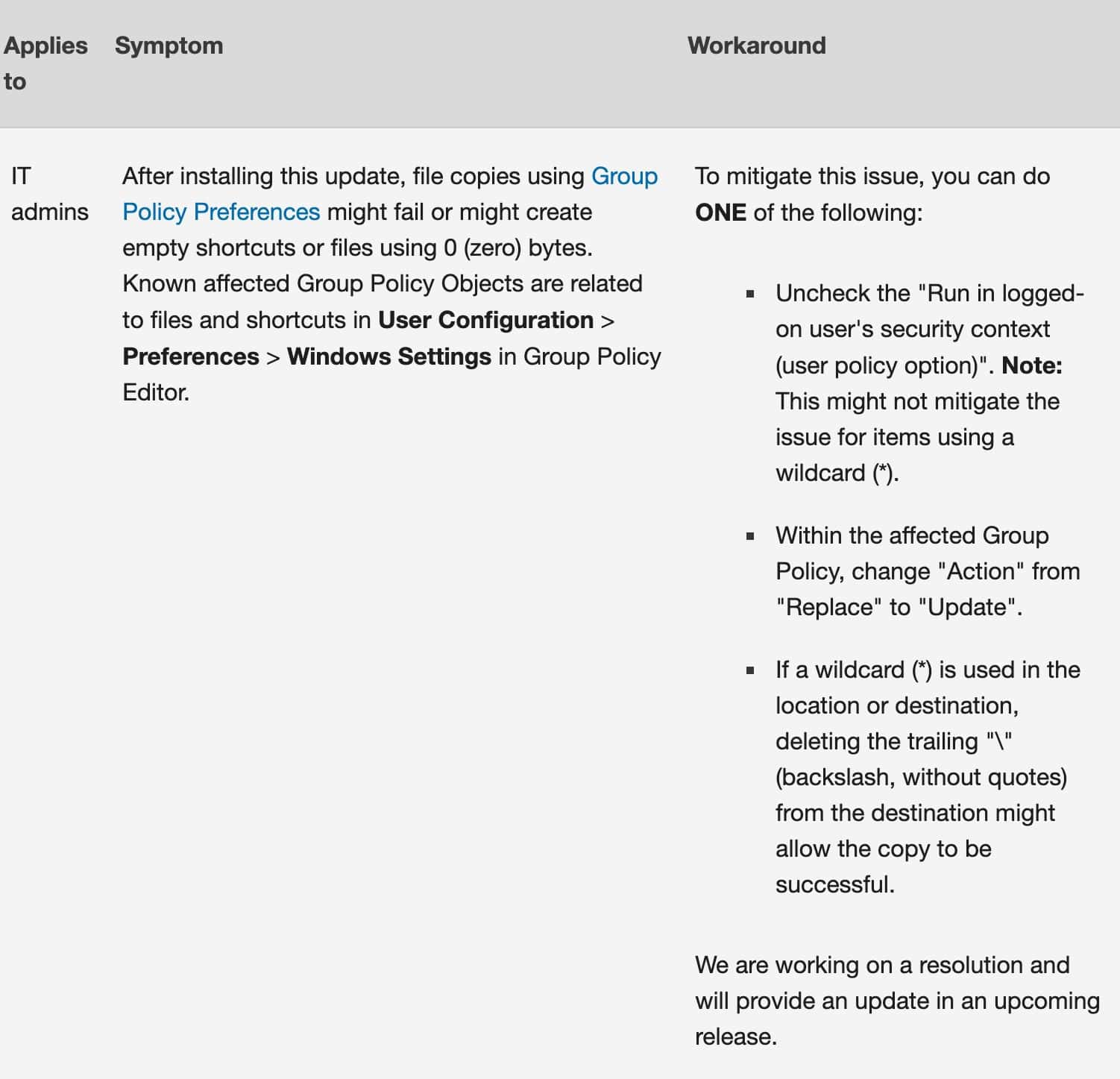
21H2 known issues
You can download the update by Checking for Updates in Settings or directly from the Microsoft Catalogue here and here. You can also check out the official release note for today’s Patch Tuesday update for Windows 11 21H2 and 22H2 by clicking on the links. However, the update should be automatically downloaded and installed on your Windows 11 PC.
You can download and install the Patch Tuesday update by navigating to Settings > Windows update.


Read our disclosure page to find out how can you help MSPoweruser sustain the editorial team Read more



Improve this guide


User forum
0 messages